Project Library
Project Library is the main browsing area for projects in Adamas Hub. It covers both the projects owned by the current user and public projects published by other creators on the Adamas platform.

In practice, this gives users two common ways to work with projects:
- Browse and manage projects in their own account
- Explore public projects published by others
My Projects
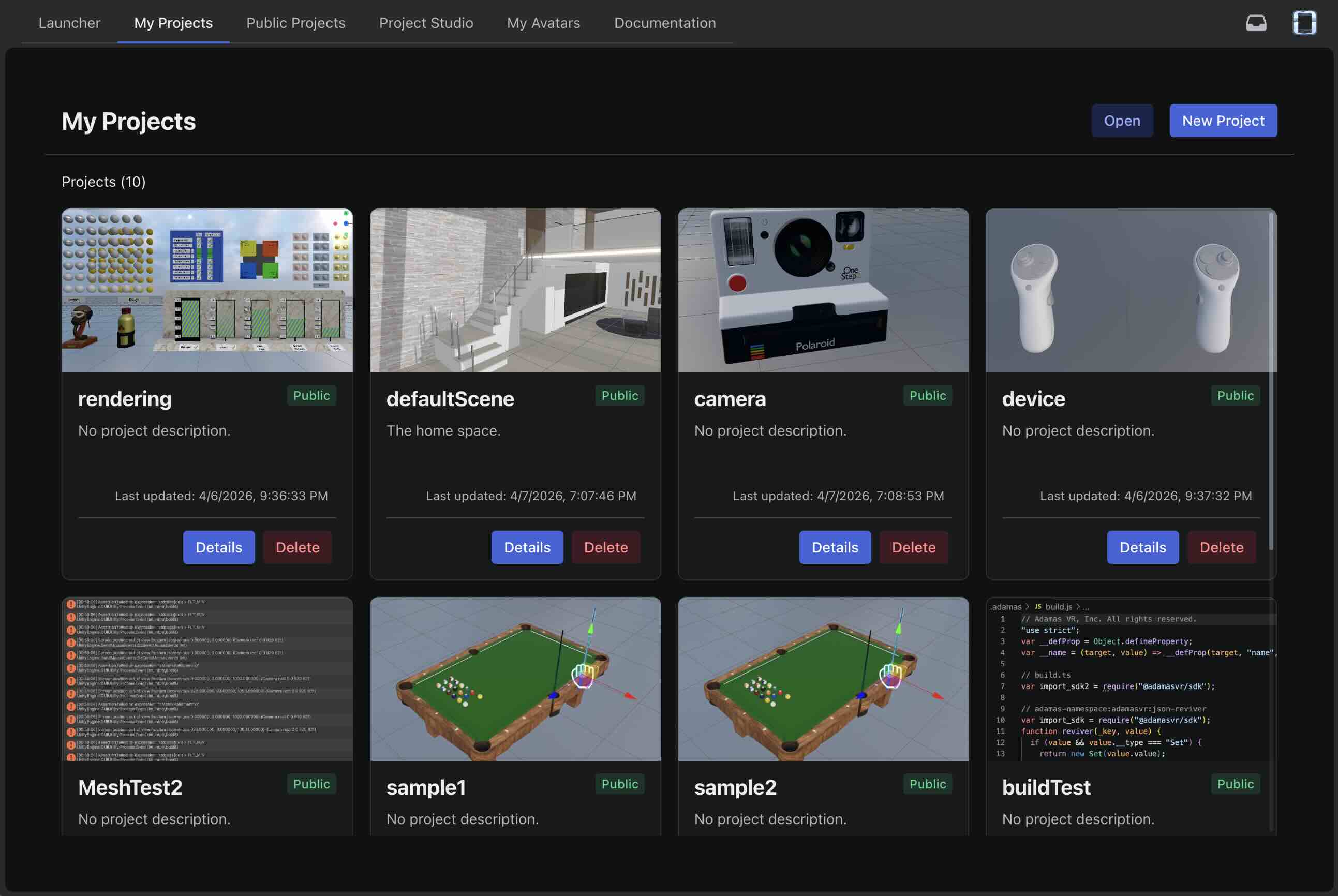
Your own projects are associated with your signed-in account. This area is used to view project entries in the library and manage the projects you own.
Users can:
- View the details of published projects
- Delete a project published to the library
- Create a new project or open an existing local project
Only project builds can be uploaded to the library. Project sources remain local. Adamas does not currently support cloud-based project development. However, developers may use version control systems to manage and collaborate on their projects.
Creating or Opening a Project
Creating a project or opening an existing local project is available from this area, but the full workflow is covered elsewhere. For an overview of how Adamas projects are structured and created, see Projects.
Public Projects
Public Projects is the discovery view for projects published on the Adamas platform. It includes projects published by other developers as well as your own public projects. Projects with private visibility are available only in My Projects.
Users can:
- Discover projects published by other users
- Search by project name or keyword
- Open a project details page
Project Details
Whether you are looking at your own work or browsing public projects, project detail pages may show information such as:
- Project name and description
- Preview image, if one exists
- Project owner
- Visibility
- World Entrance status
- API version
- Project version
- Publish and update timestamps